












How To Photograph The Milky Way Using A vivo Mobile Phone

Hi vivoicers,
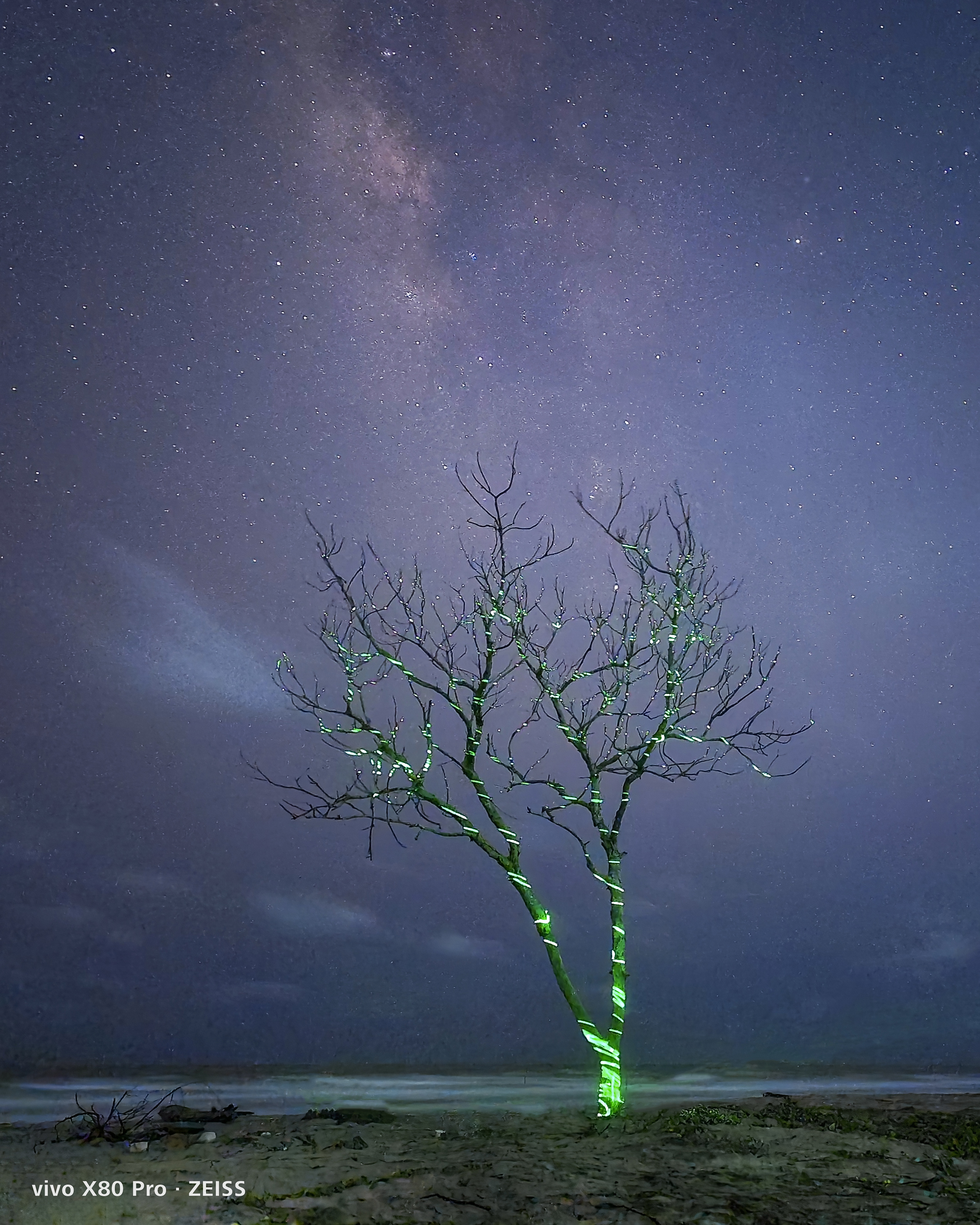
A few years ago, it was impossible to capture the Milky Way with a smartphone. Now, thanks to the incredible cameras in smartphones, it's very much possible. Your Vivo phone will take care of the rest if you just plan your shoot to pick the best place and timing. Here are the four steps to getting there
Step 1: Finding Location.
The first and most crucial condition for even seeing the Milky Way, is a dark sky free of light pollution. Due to light pollution and poor air quality, it can be challenging to see the Milky Way if you reside in a big city. If you want to avoid having city lights appear in your photos, be ready to go a fair distance Dark skies may be fantastic in remote settings like Mountains, forests, and some rural places. To locate dark areas close to where you are, utilise the Dark Site Finder website or the Light Pollution Map.
Step 2: Planning.
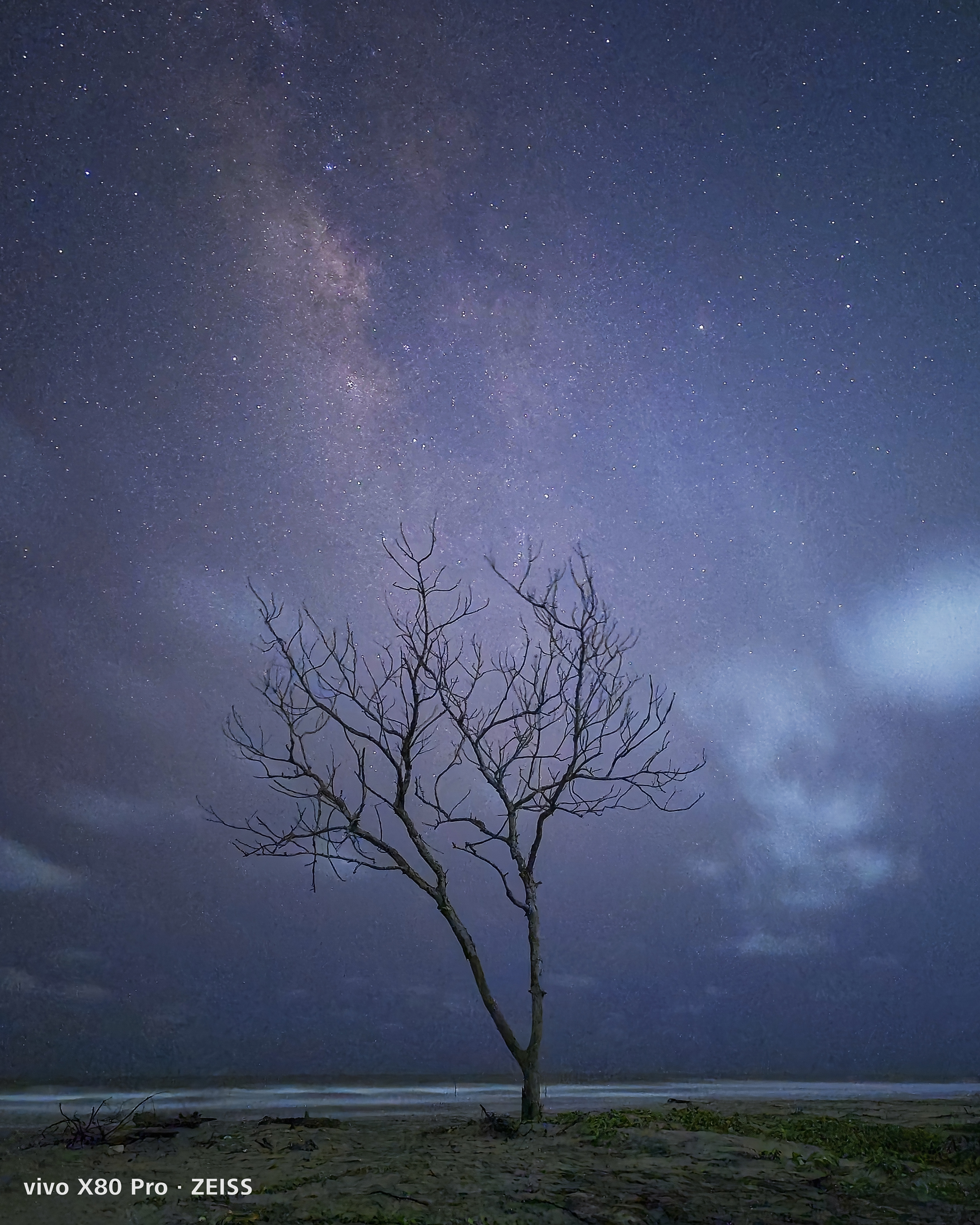
Use apps like Photopills, Stellarium plus to plan and use weather apps to predict clear skies
My top picks for apps are PhotoPills and Stellarium Plus as they give you precise locational information about the Milky Way, which can be quite useful planning yourshots. Excellent Night AR feature that can be very helpful too for planning. Also don't forget to pick new moon days.
Step 3: What to carry?
- Vivo Mobile Phone
- Tripod
- Torch
- Dress for all conditions

Step 4: Settings.
- Using pro mode
- Aperture : Vivo cameras fixes widest aperture this is best
- Shutter speed: Depends on the foreground experiment from 15-30 secs
- ISO : As low as possible. Preferably around 2000-3000
- Focus : Use Auto focus if your using any light paintings etc., or set manual focus to infinite
- Timer: always use timer mode and avoid the shake.
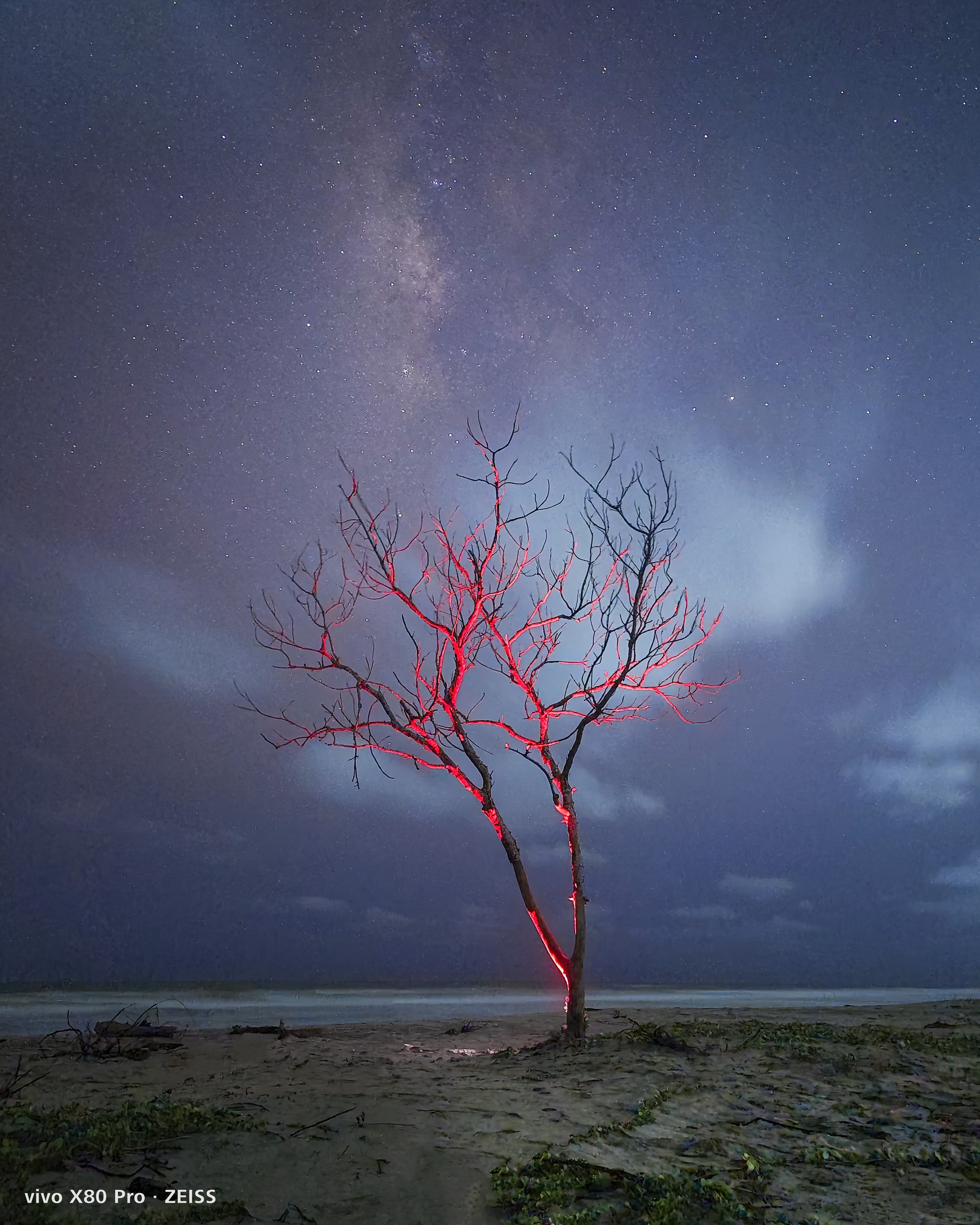
Let us know if you found these tips useful in the comment section.
Thank You!
Team vivoice
Please sign in
Login and share