




















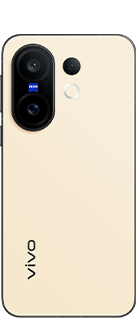

How to Maximize Storage Space in Android Devices 😍🔥

Hey vivoicers ❤️
If your Android device is running low on storage, you can reclaim space by disabling a feature called Virtual RAM.
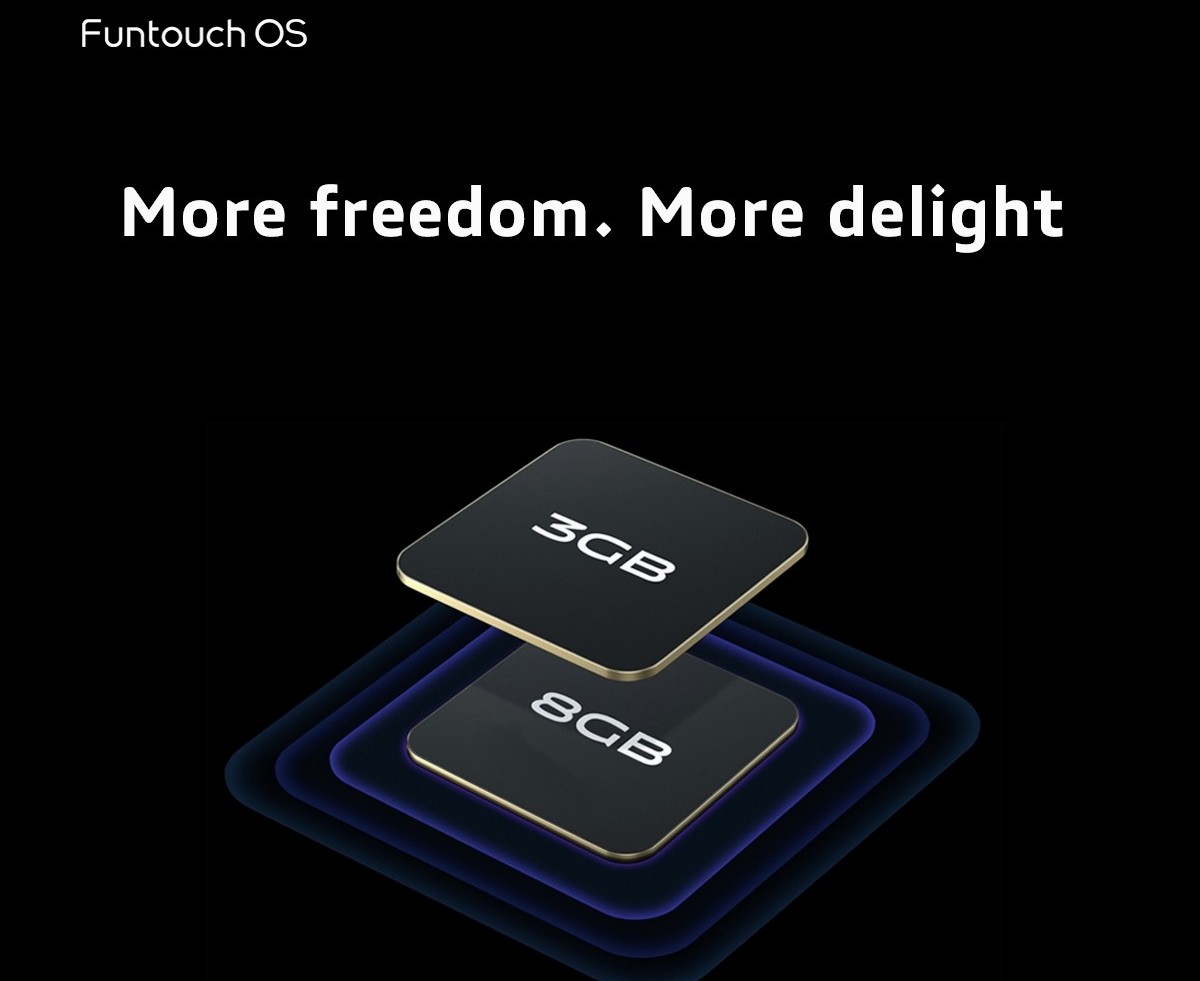
Many modern Android smartphones use Virtual RAM to allocate part of the device's internal storage for memory expansion, allowing more apps to remain active. However, this can take up 4GB to 12GB of storage, which may not be necessary for devices with more than 8GB of RAM, common in today's midrange phones.
For devices with 4GB or less RAM, Virtual RAM can enhance performance, making it beneficial to leave enabled.
To disable Virtual RAM on Your Vivo Phone :
1. Go to 'Settings' and select "RAM and Storage Space."
2. Tap 'RAM', then toggle off "Extended RAM." Restart your device when prompted.
By disabling this feature, you can free up storage space and manage resources more efficiently.
• Love this post? Give it a like ❤️, follow for more, and leave a comment ⌨️ with your thoughts 💭
-----
Signing off !!
Community Trailblazer
Please sign in
Login and share