











How to set Lububu live lockscreen wallpaper:

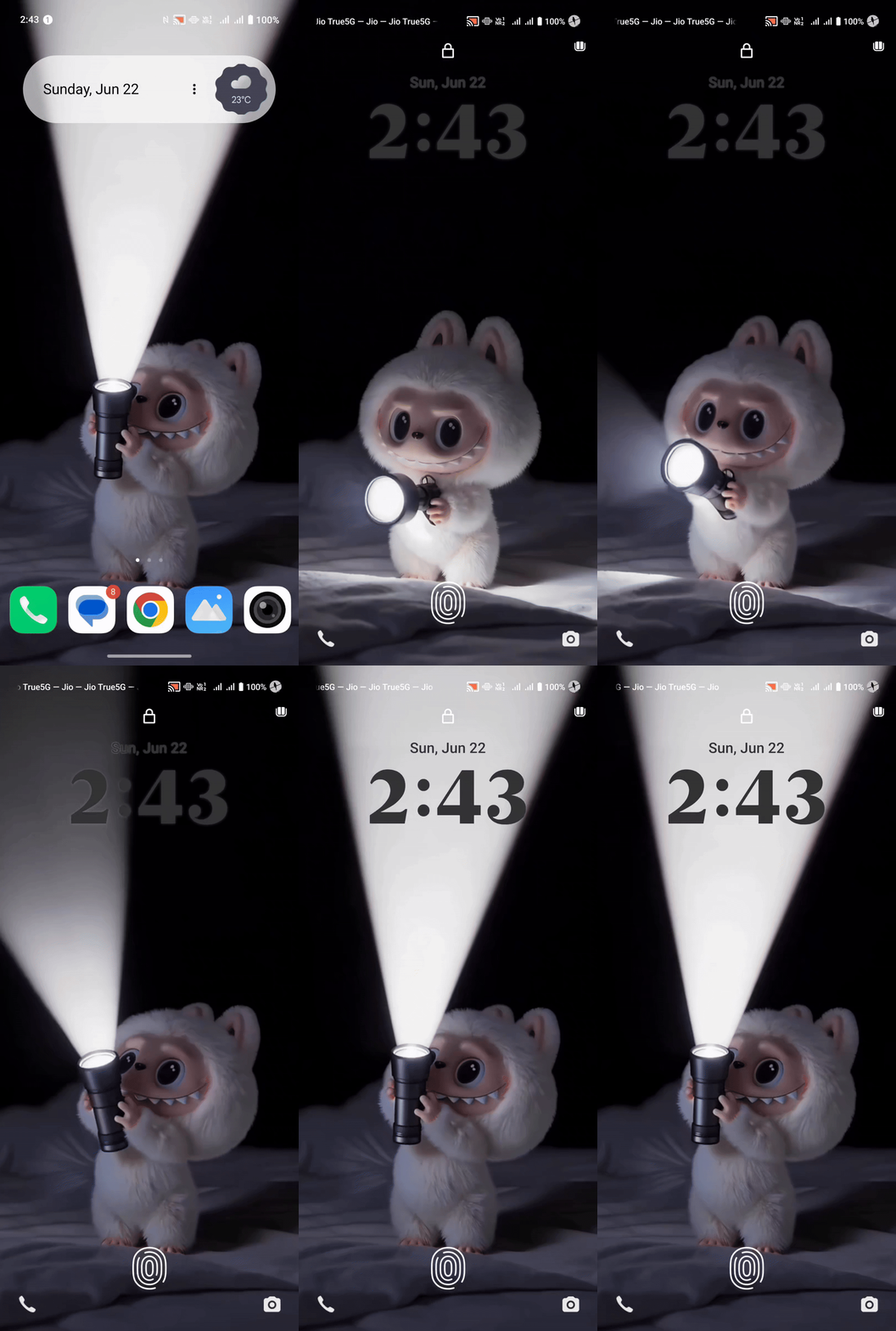
Figure 1, view larger image
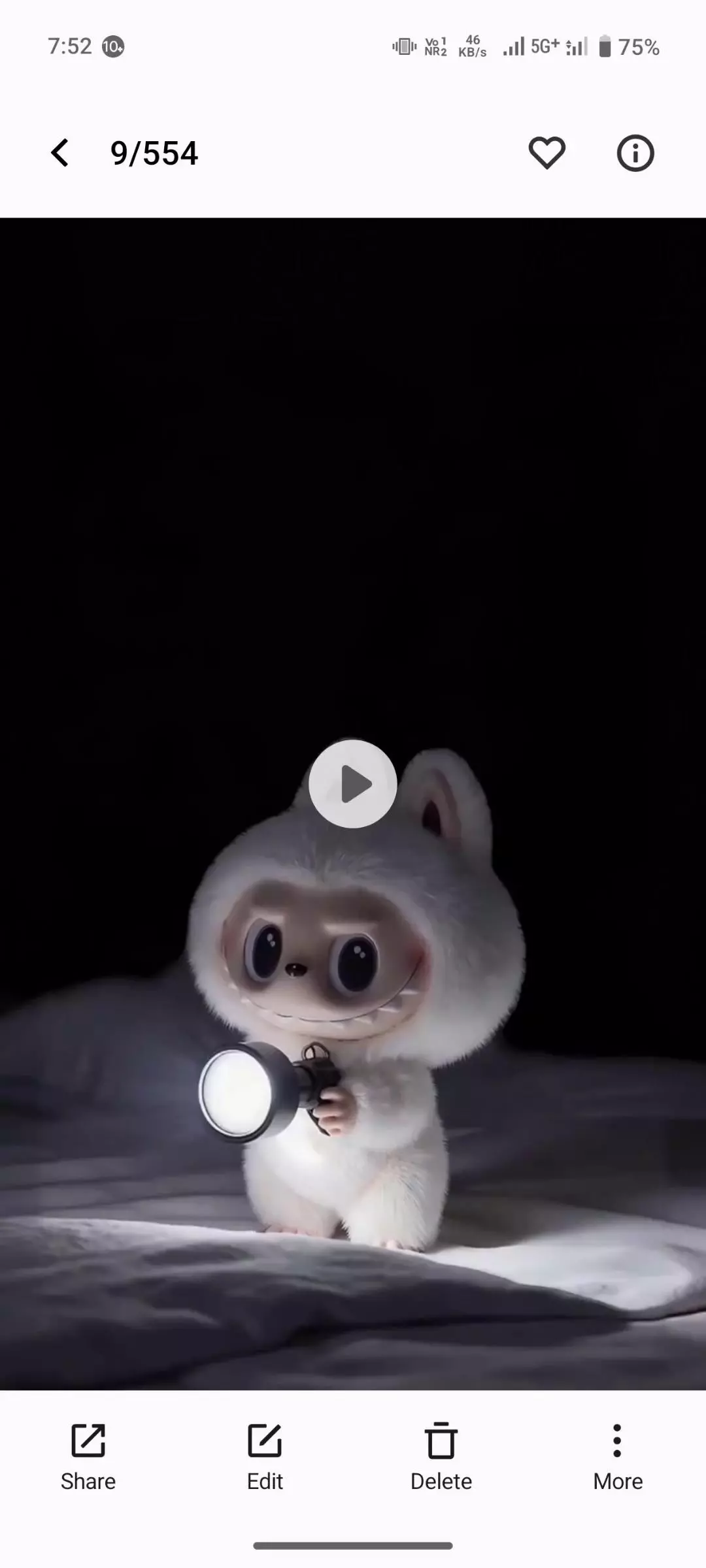
1. Open the Albumapp and choose the video.
2. Tap the 3 dots and select Set as wallpaper.
3. Choose Lock screen and Home screen wallpaper, then tap "✓".
4. Lock your phone, then pinch the screen and tap Edit after unlocking.
5. Pick a favorite clock style, choose blackcolor, a
nd tap Apply.
Here is a tutorial:
OriginOS 6
835
25
Please sign in
Login and share
Sign in