



Origin os 6: What's New - EP 08 - Lockscreen Customisation.

Hi vivoicers, we are back again with another episode of "Whats new" in Origin os 6 and this time we are talking about LockScreen customisation.
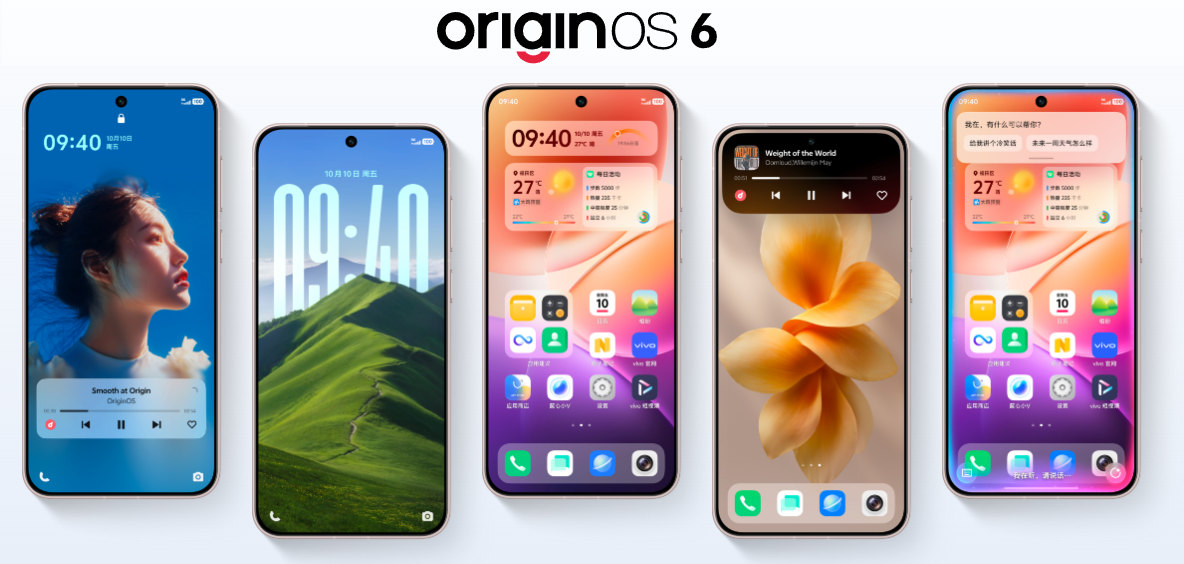
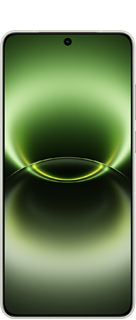
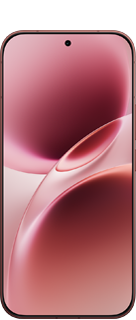
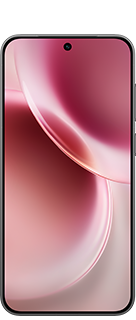
OriginOS 6 takes lockscreen customization a step further by giving you more control over how your phone looks the moment you wake it up. From choosing different lockscreen styles to adjusting layouts and visual elements, you can easily personalize the lockscreen to match your mood and aesthetic. It's a simple way to make your device feel more personal and visually refreshing every single day.
How to access it
-Open settings and click on below mentioned option.
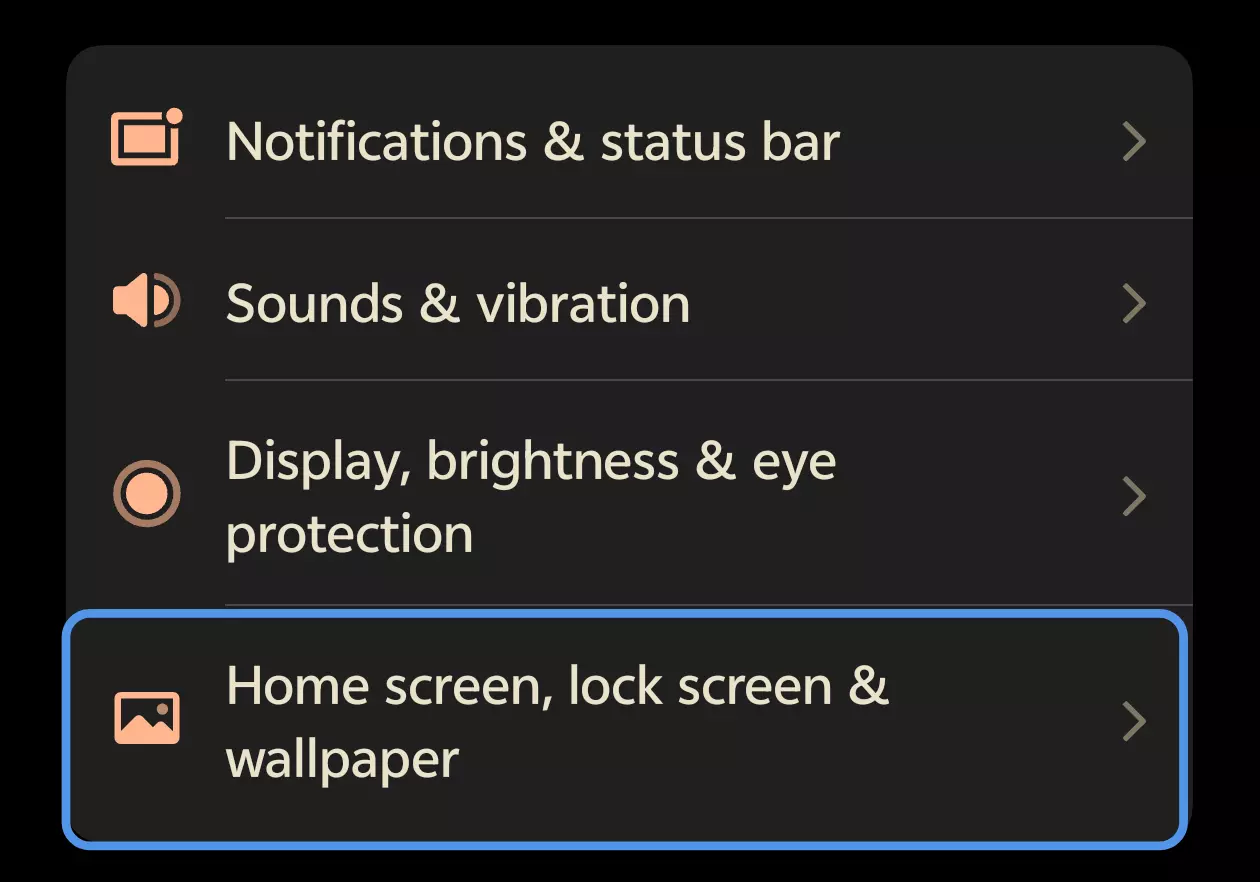
- Click on Lock Screen settings
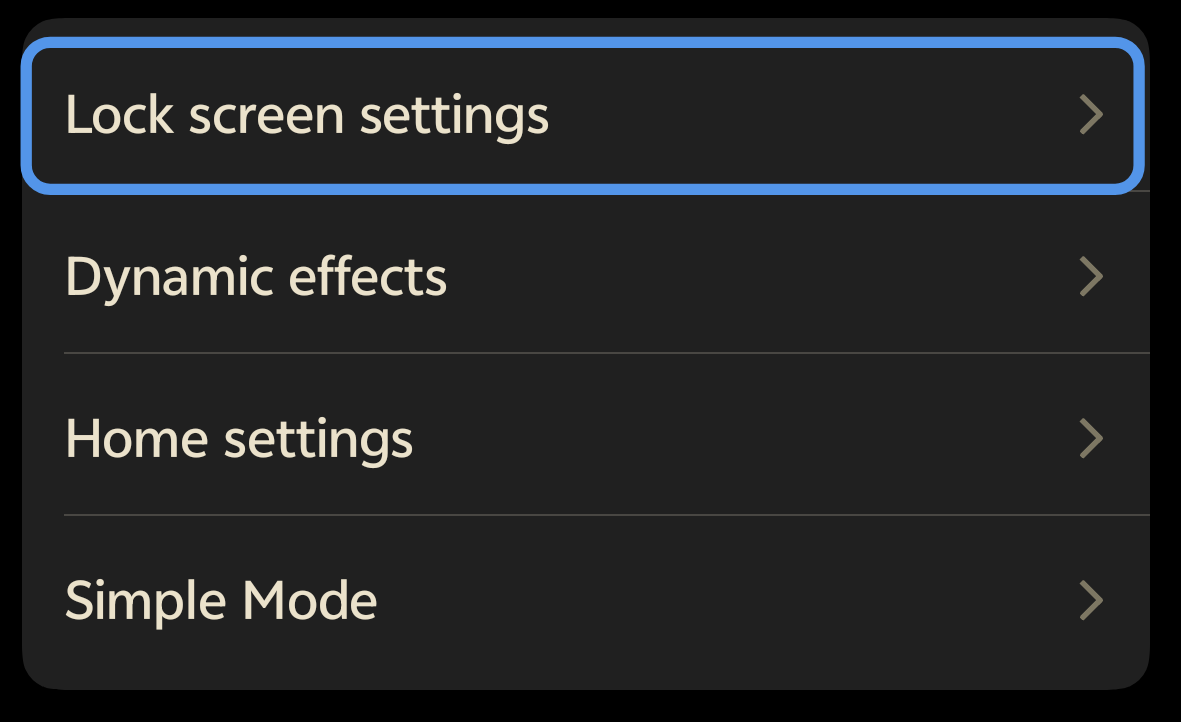
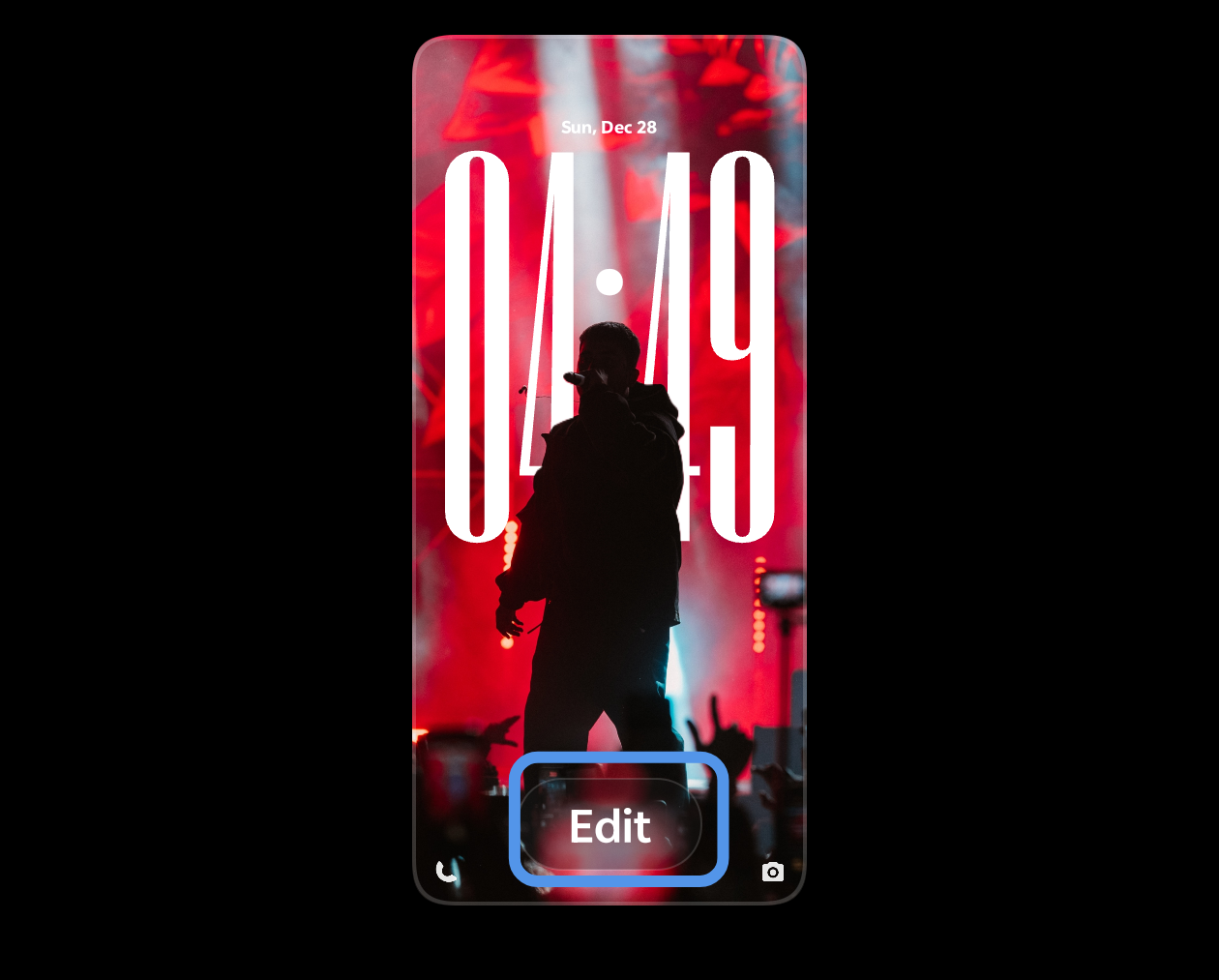
- Click on EDIT button
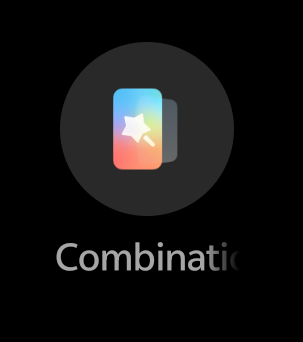
- Click on Combination Icon.
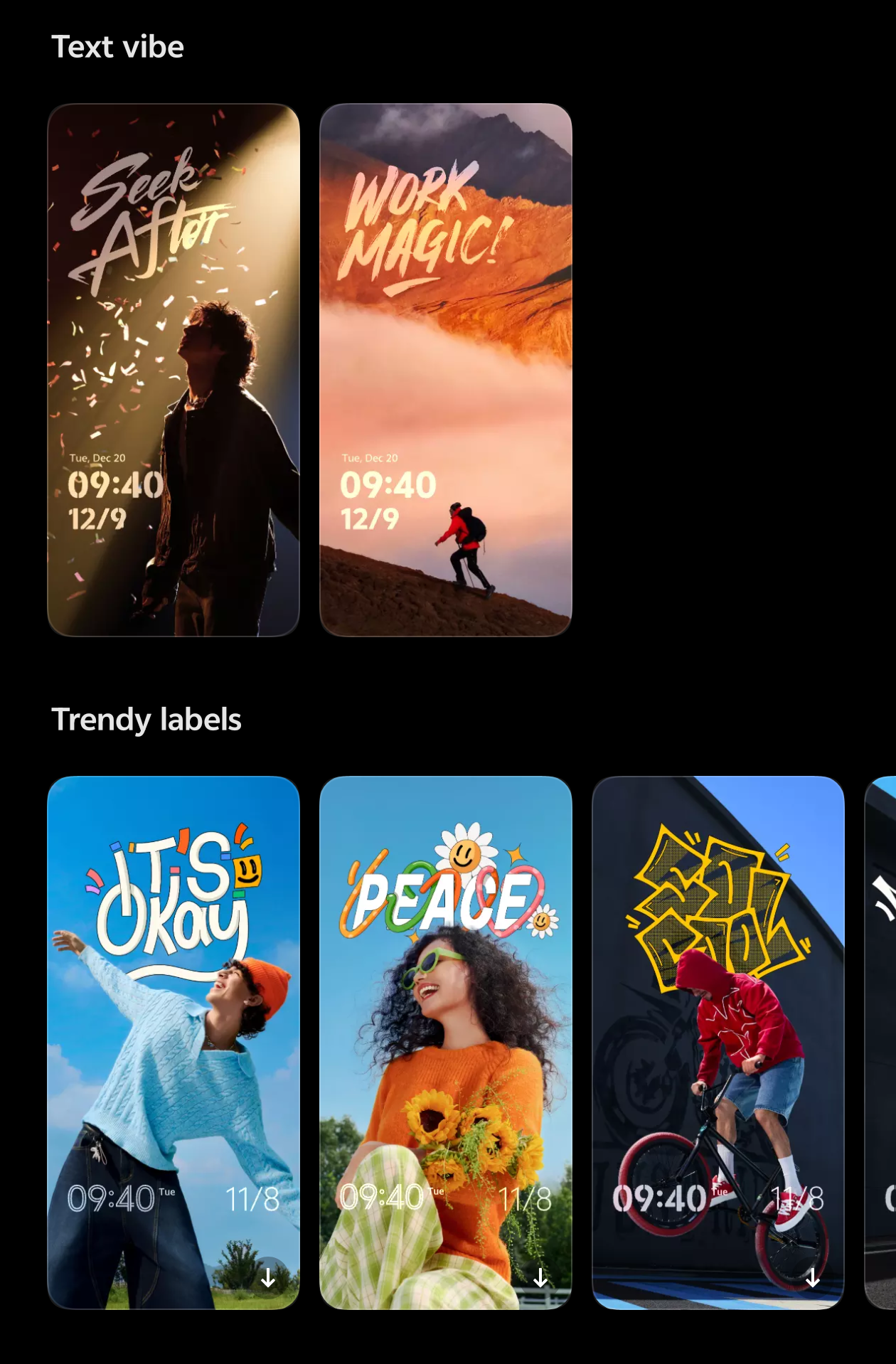
- Now selects the desired Customisation template and alter it in your way.
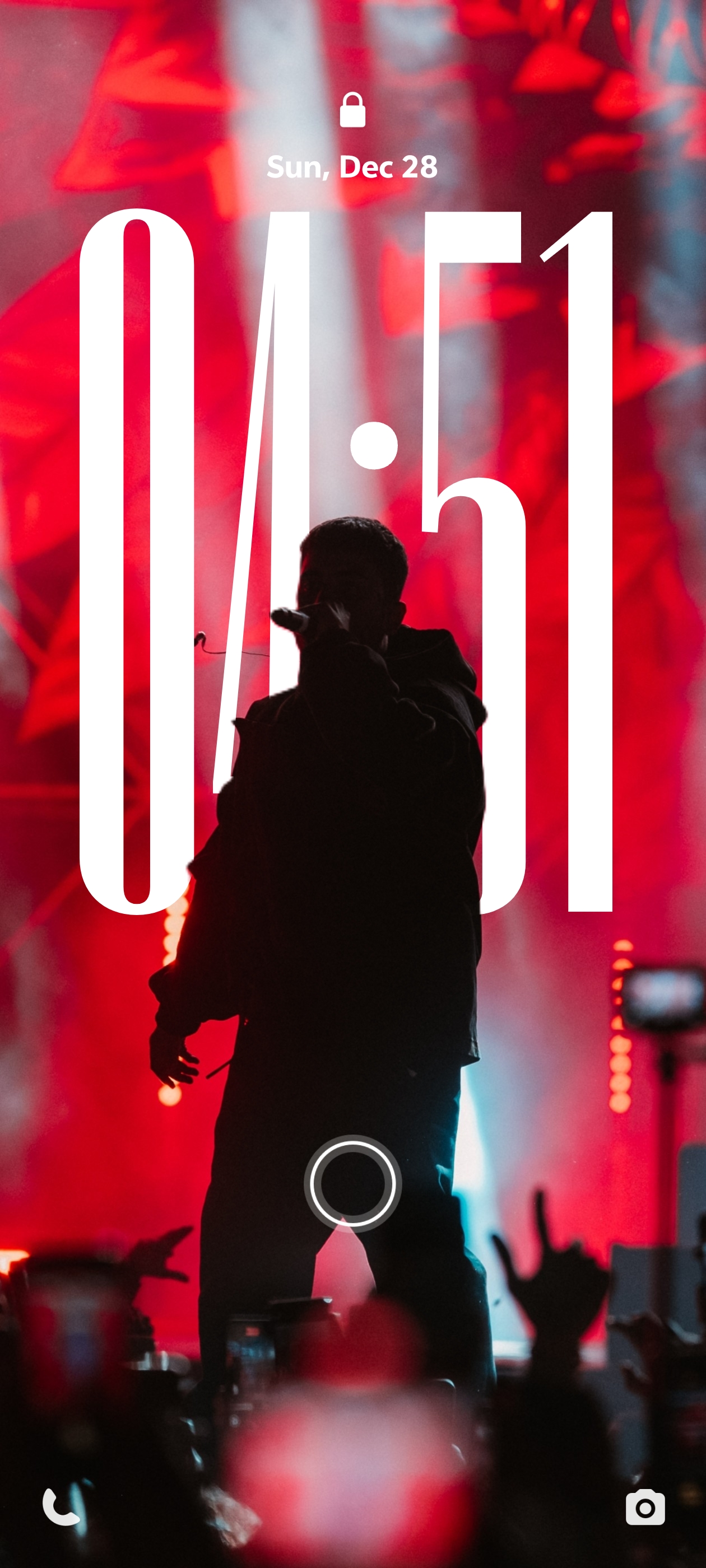
Isnt it great ....... Comment down your lockscreen Screenshot and let see who amazed us all .... ill start with mine.
Please sign in
Login and share