




















Phone's Battery is draining so fast | Reasons & Quick Solutions | A Guide.

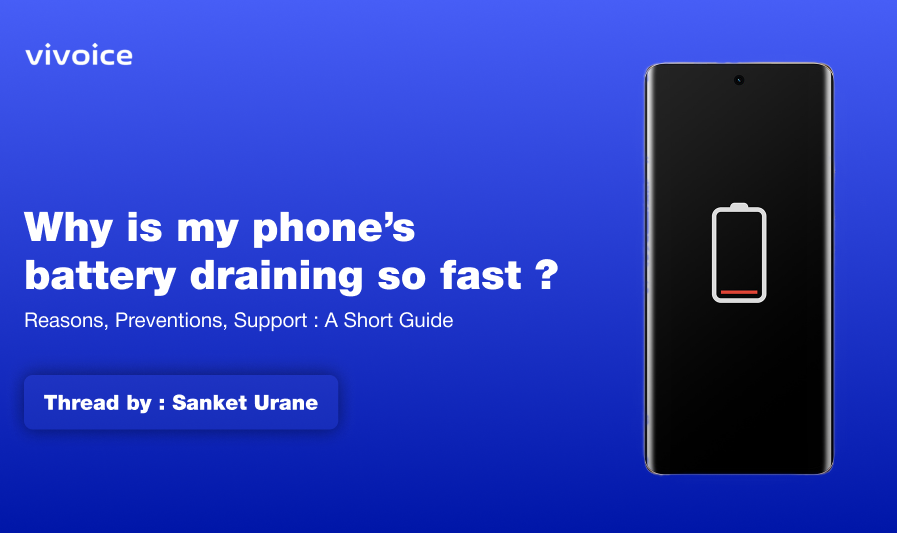
Figure 1, view larger image
There are various reasons why your Vivo phone's battery might be draining faster.
System Upgrade
- System Optimization: After a major update, your phone might be going through a period of optimization where it re-indexes apps and system data. This can cause temporary increased battery drain for a day or two.
- New Features: The update might have introduced new features that consume more battery. For instance, a new location-based service or a higher refresh rate display setting.
- App Incompatibility: Sometimes, apps might not be fully compatible with the new operating system, causing them to run inefficiently and drain battery life.
Usage Patterns
- High screen brightness: A bright screen is a major battery drain.
- Background apps: Apps running in the background can consume battery even when not actively used.
- Location services: Continuously using location services drains battery.
- Bluetooth: Leaving Bluetooth on when not needed consumes battery.
Other Potential Culprits
- Outdated OS: An older OS might not be optimized for battery efficiency.
- Weak signal: Constantly searching for a strong signal can drain battery.
- Extreme temperatures: Very hot or cold environments can affect battery life.
- Aging battery: Over time, batteries lose capacity and need replacement.
Here are some things you can try to improve your battery life:
- Give it Time: As mentioned earlier, the increased drain might be temporary. Observe your phone's battery usage for a few days after the update.
- Check Battery Usage: Look at your phone's battery usage stats to see which apps are consuming the most power. You can then adjust settings or uninstall unused apps.
- Adjust Settings: Reduce screen brightness, turn off location services and Bluetooth when not in use, and enable battery saver mode.
- Restart Phone: A simple restart can sometimes clear up temporary glitches that might be affecting battery life.
If the issue persists after trying these steps, you can also consider:
- Checking for further updates: There might be a hotfix update from Vivo that addresses battery drain issues specifically.
- Resetting Phone: As a last resort, you can reset your phone to factory settings. This will erase all your data and settings, so make sure to back up everything important before proceeding.
If none of these solutions work, it's possible there might be a hardware issue with your battery. In that case, you might want to contact Vivo support for further assistance. In that case, Consider sending an e-mail to vcare@vivo.com
Follow @SanketUrane for more such informative, travel, photography & Tech related threads.

Figure 2, view larger image
vivo fans
2.1k
10
Please sign in
Login and share
Sign in