











Simple And Safe Tips To Clean Your Smartphones

Your phone screen endures daily use, attracting fingerprints, dust, and grime that can obscure your view and harbor bacteria. Regular cleaning not only ensures a clearer display but also helps maintain hygiene.

However, improper cleaning techniques can damage your screen.
To help you keep your phone looking pristine, this guide provides simple and effective methods for safely cleaning your phone screen.
By following these steps, you can enjoy a spotless display and extend the life of your device, all while keeping it free from unwanted dirt and germs.
Tips to clean your phone screen

Power off your phone
Before starting the cleaning process, make sure your phone is turned off. This prevents accidental touches, and it's safer to clean the screen when it's not active. Unplug any cables or accessories as well.
Use a microfiber cloth
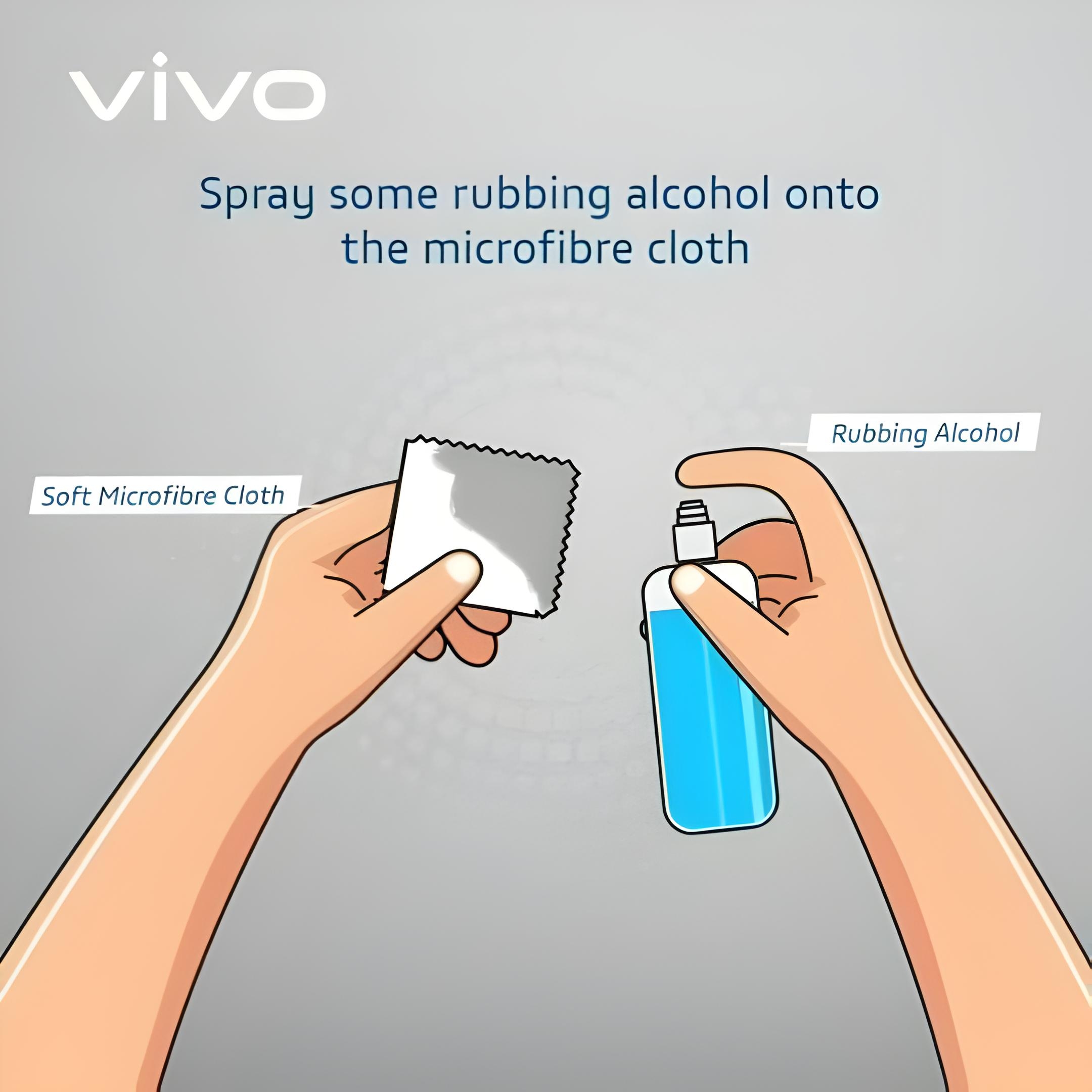
A microfiber cloth is your best tool for cleaning a phone screen. It's soft and designed to lift dirt and fingerprints without scratching the surface. Avoid using paper towels, tissues, or rough fabrics, as these can leave scratches. If the screen is only mildly dirty, wiping it with a dry microfiber cloth might be enough.
Dampen the cloth slightly
For a deeper clean, lightly dampen the microfiber cloth with distilled water or a screen-safe cleaning solution. Be cautious not to use too much liquid, as excess moisture can seep into the phone's openings and damage the internal components. Do not spray water or cleaner directly onto the phone screen. Always apply the liquid to the cloth first.
Wipe gently in circular motions
Start by wiping the screen gently in circular motions.Focus on areas with smudges, fingerprints, or other visible dirt. Avoid pressing too hard, as this can damage the display.
Clean the edges and corners
The edges and corners of your phone often collect dirt and grime. Use the corner of the microfiber cloth to carefully clean these areas. For hard-to-reach spots, you can use a cotton swab slightly dampened with water or cleaner.
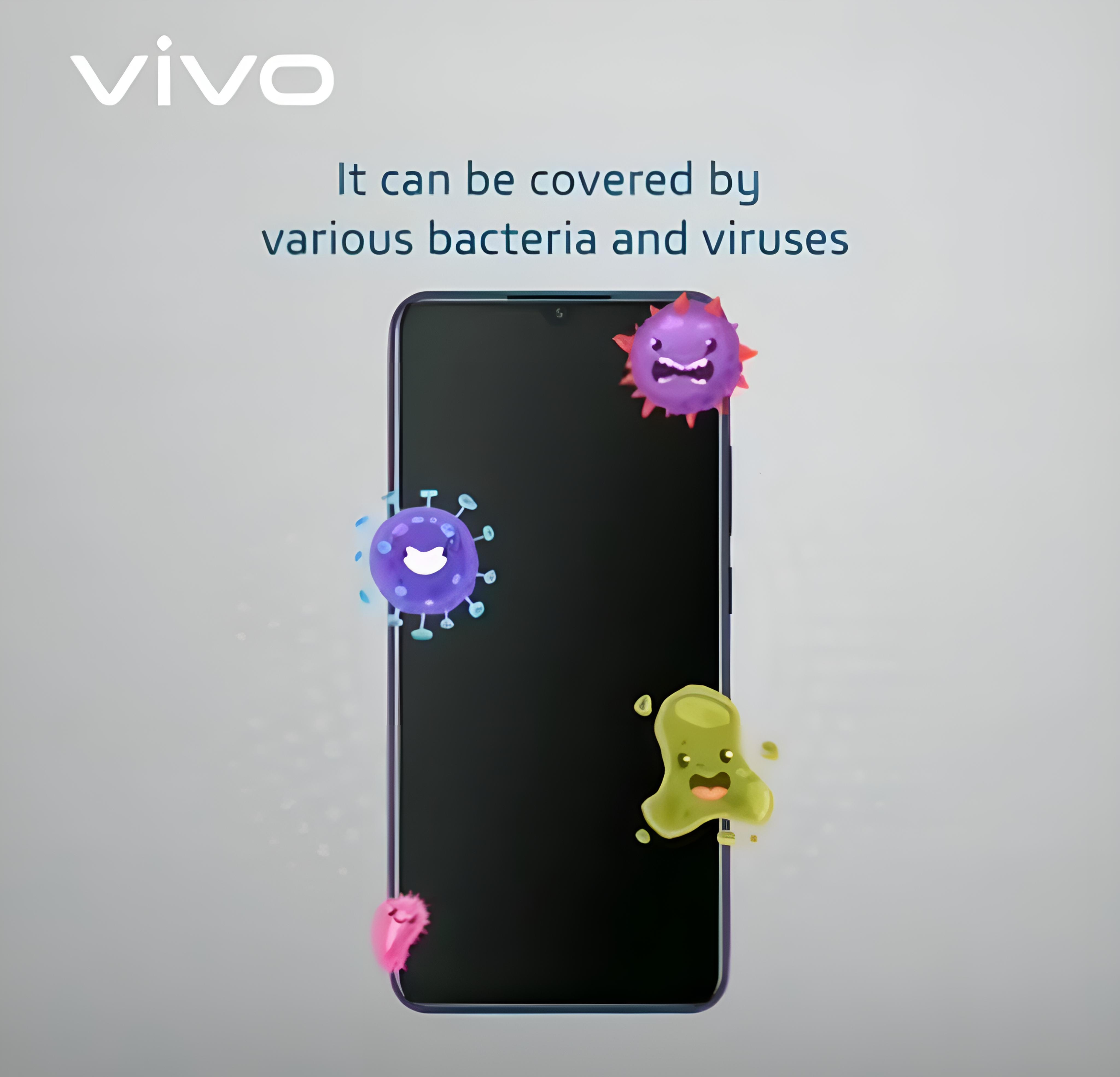
Disinfecting your screen
If you want to disinfect your phone, you can use a 70% isopropyl alcohol solution or alcohol-based screen wipes. These are safe for most modern phone screens and will help kill bacteria and viruses. Avoid using harsh chemicals like bleach, ammonia, or abrasive cleaners, as these can strip the screen's protective coating.
Dry the screen
After cleaning, use a dry section of the microfiber cloth to remove any remaining moisture. Make sure your phone is completely dry before turning it back on or reconnecting accessories.
Consider a screen protector
To keep your phone screen cleaner for longer and protect it from scratches, consider applying a screen protector. This not only shields the screen from dirt and damage but also makes it easier to clean.

Hope it will be very useful for our voicers. Stay tuned for more contents
Please sign in
Login and share