



























Star Trail Photography With Vivo

Hey Vivoicers,
During my recent trip to Lebong, Darjeeling, I had one mission in mind - to capture the perfect Star Trail shot.
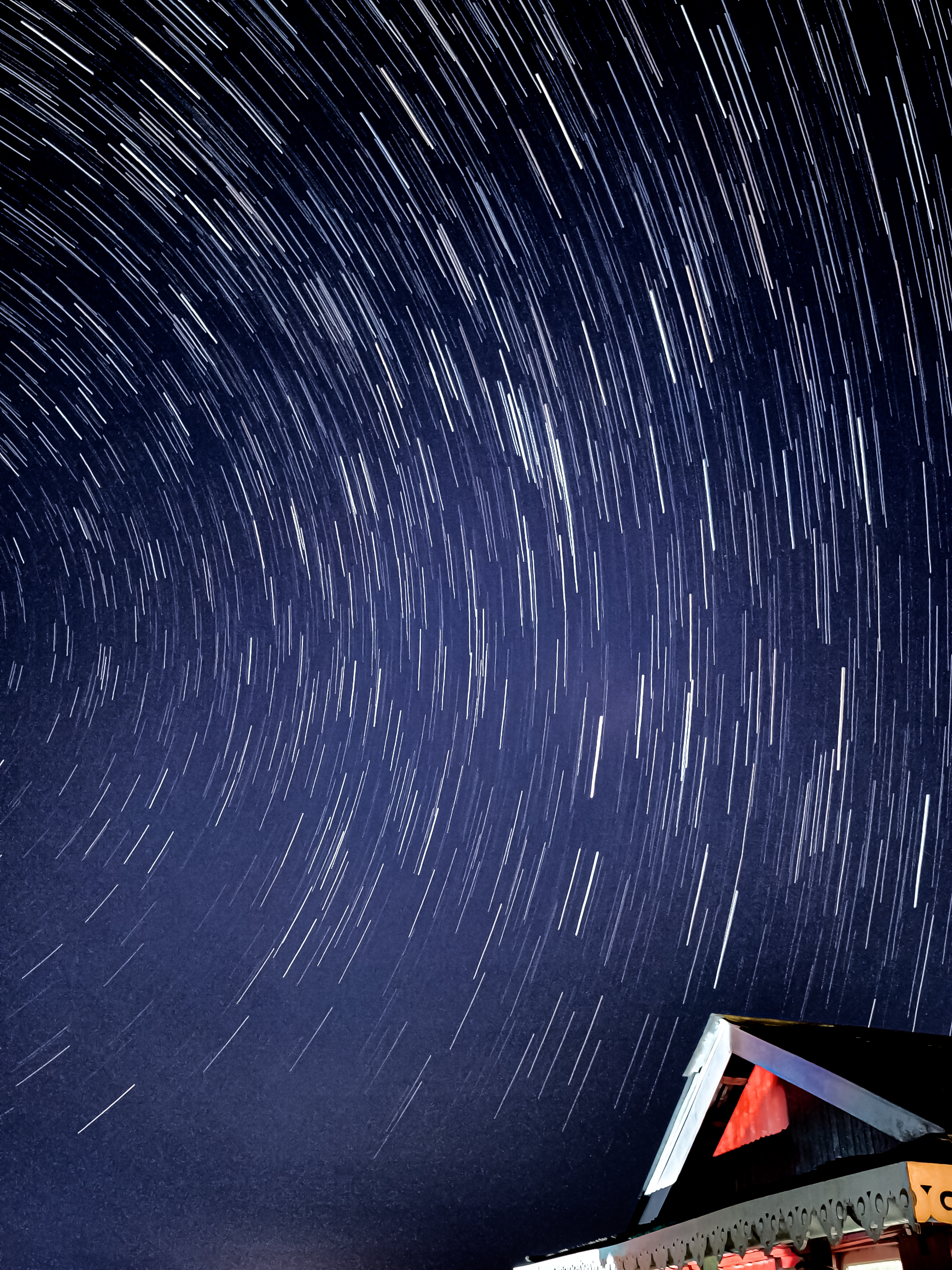
For the first two nights, the weather didn't cooperate - fog everywhere, visibility near zero. I almost gave up. But on the third night, the sky finally cleared up... and what followed was pure magic.
After hours of setup and patience, I finally captured these two beautiful star trail photos - straight from my Vivo X200 device!
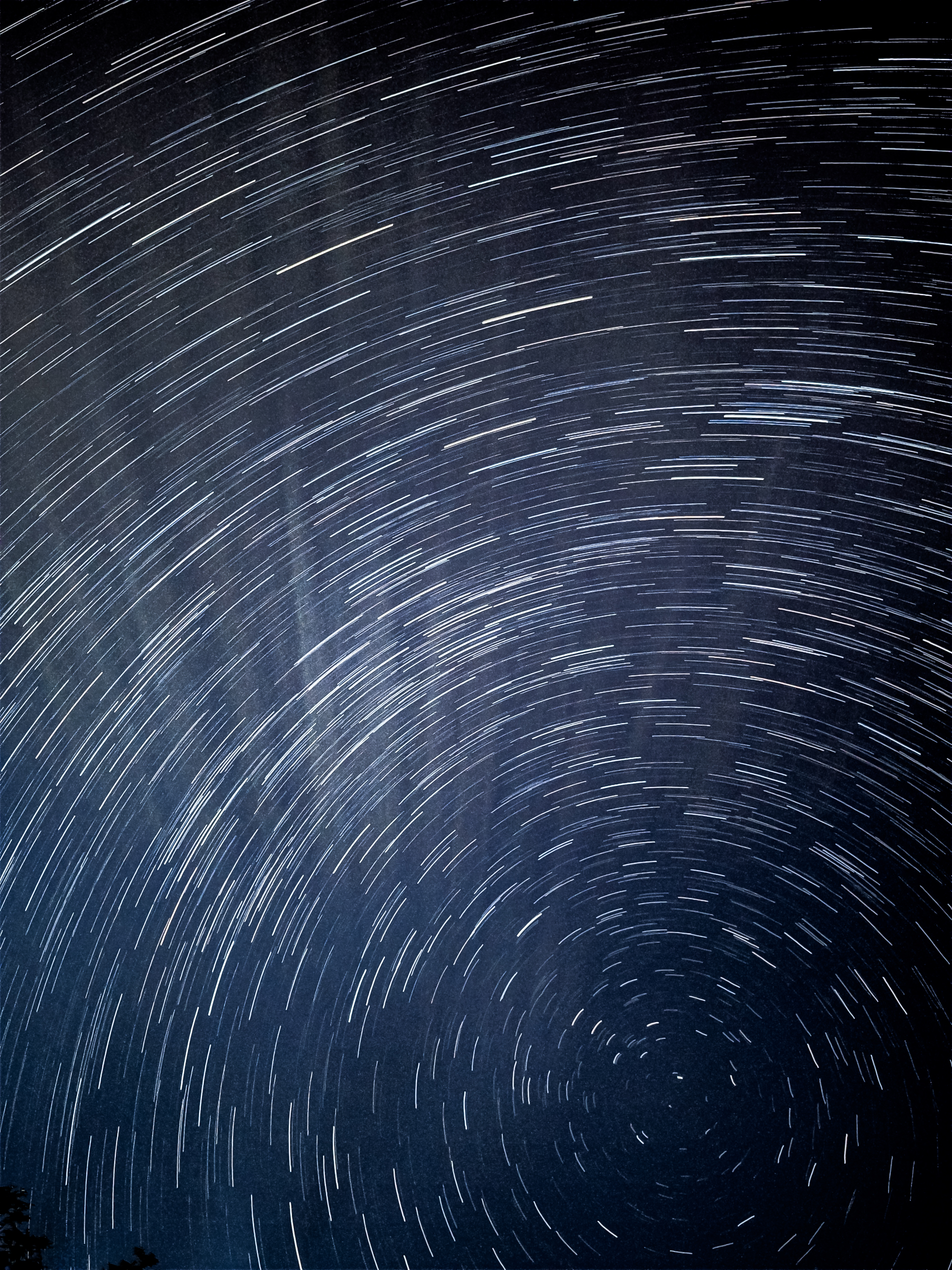
How to Shoot Star Trails (Vivo Users Guide):
If you're using a Vivo X200 series device Just open the Camera → Landscape Mode → Star Trails That's it. Let your phone do the magic.
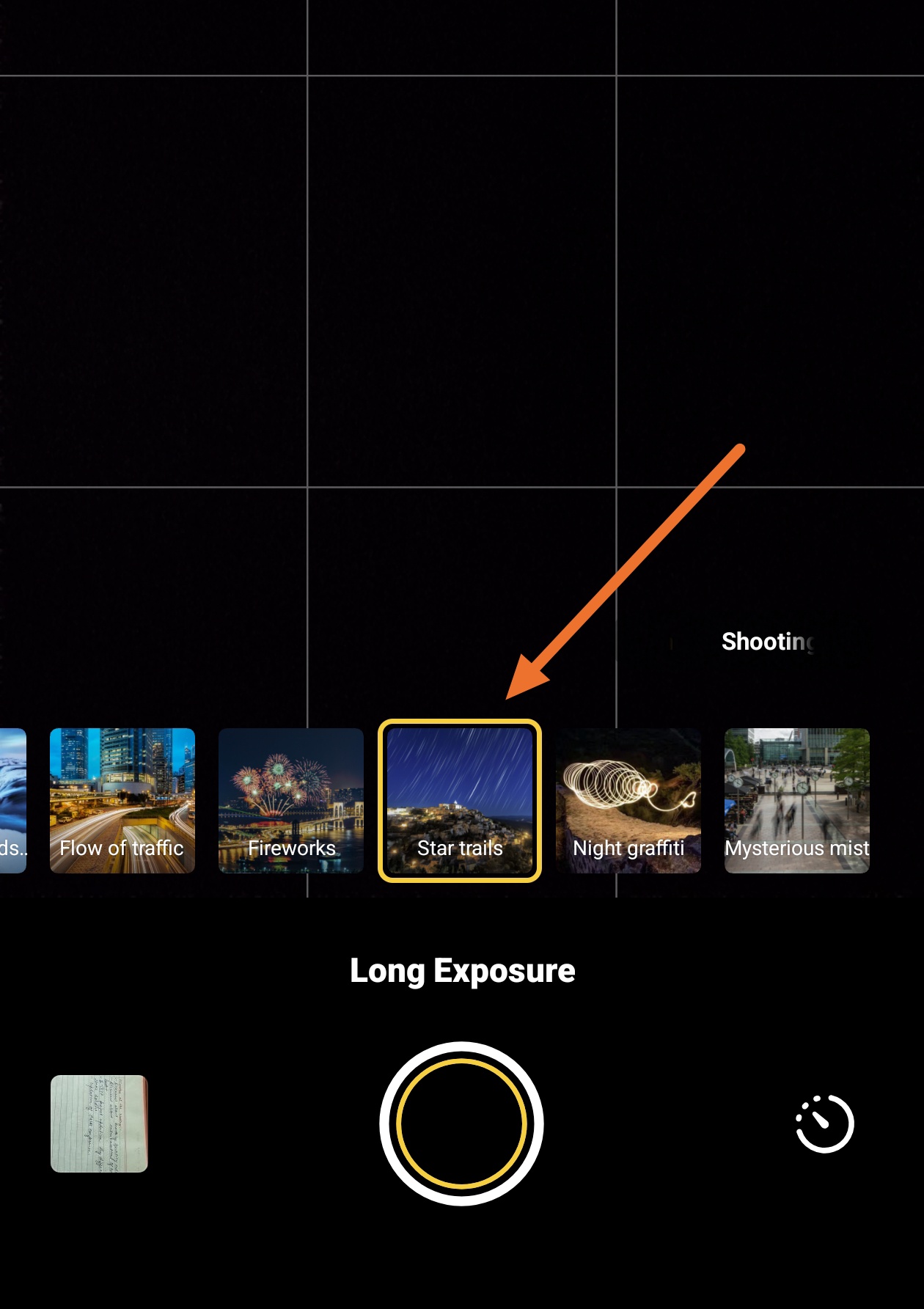
If you want to shoot manually (Pro Mode): Go to Pro Mode → Settings → Interval Shooting
Number of shots: 300
Interval time: 3 seconds
Now adjust manual settings:
ISO: 800-1400 (depends on light intensity)
Shutter Speed: 20-30 secs (adjust based on ISO & brightness)
Focus: Infinity
Now sit back, enjoy the night sky, and let your phone work for the next few hours.
Once done, open the "Star Trail" app, select all your captured photos together - and boom! Your manual Star Trail masterpiece is ready.
The sky will test your patience... but when it finally clears, it rewards you with something truly timeless.
That's it for now... Share your Star trails photography in below comment section. See you soon with something unique photographs and threads.
Follow @MdRockz& @vivo Indiafor more.
Please sign in
Login and share