













Quick Fixes: Keeping Your Ultrasonic Fingerprint Sensor Working Flawlessly

Hi vivoicers,
We all love the convenience of unlocking our phones with just a touch, thanks to vivo's ultrasonic fingerprint sensor. It's super secure, using high-frequency sound waves to read the 3D details of your fingerprint. But sometimes, it doesn't work exactly like we expect, and that can get a bit frustrating.
So, what's going on? Most of the time, it's nothing serious. Dust, oil or even a little moisture on your fingers or the screen can make the sensor miss your fingerprint. A quick clean often solves the problem.
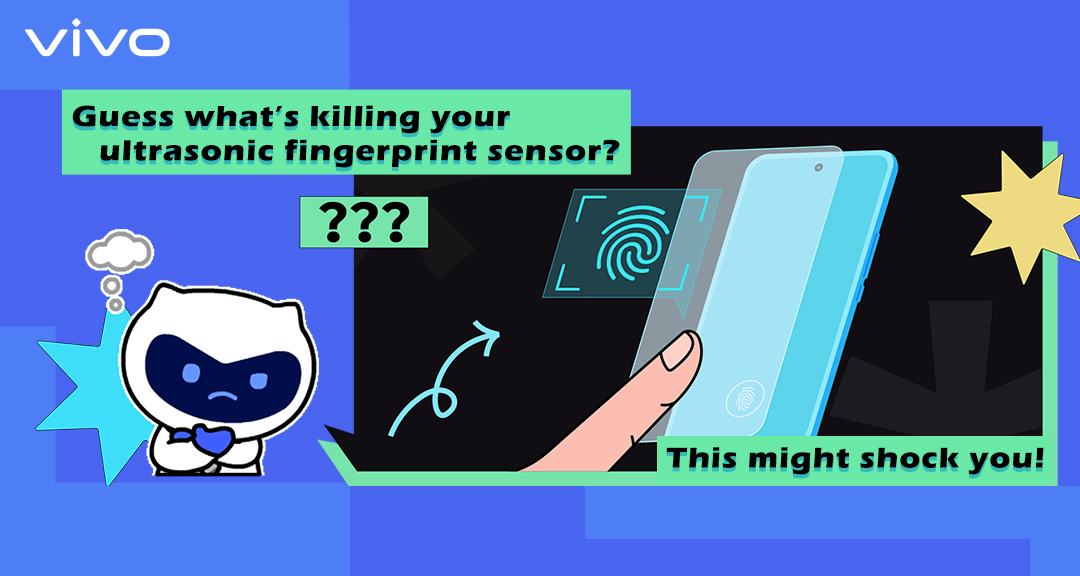
Another common culprit is third-party screen protectors. These can block or distort the ultrasonic waves, making it harder for the sensor to "see" your fingerprint. The simple fix? Stick to vivo-approved screen protectors to get the best performance and always visit a vivo authorised service centre to get your protective film applied properly.
Also, don't forget software updates. vivo regularly rolls out updates that make the fingerprint sensor more accurate and responsive, so keeping your phone up to date can save a lot of headaches.
If you've tried all this and the sensor still isn't cooperating, vivo support is always there via WhatsApp, call or email.
With a little care, keeping your fingers and screen clean, using the right accessories installed at authorised centres and staying updated, your ultrasonic fingerprint sensor will be back to working smoothly, giving you that quick, secure unlock experience you love.
Tempered glass is now available on our website.
Buy now X200T: Buy Now
Buy now X300: Buy Now
Buy now X300 pro: Buy Now
Please sign in
Login and share