


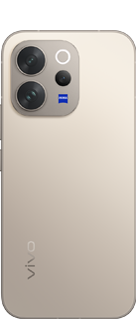

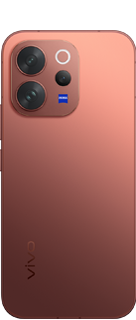

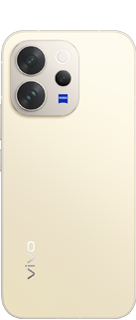








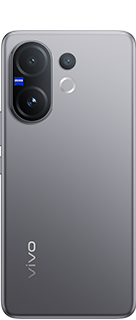
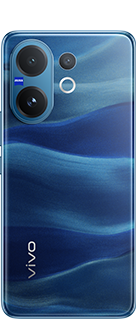
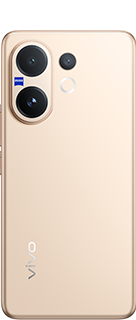

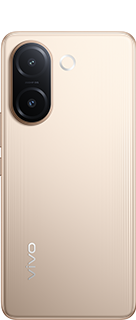
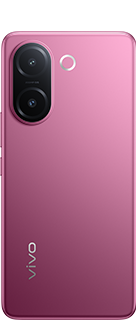



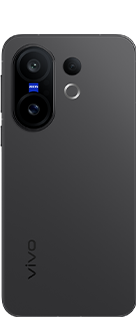

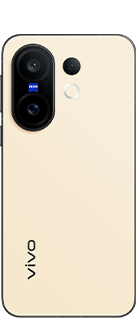

Smooth Unlock on V70.V70 Elite: How to Maintain Accurate Fingerprint Performance

Under-display fingerprint sensors play an important role in unlocking your phone quickly and keeping your data secure. If the sensor feels unresponsive, the issue is often not hardware-related but caused by everyday usage factors.
Why Fingerprint Sensors May Not Work Properly
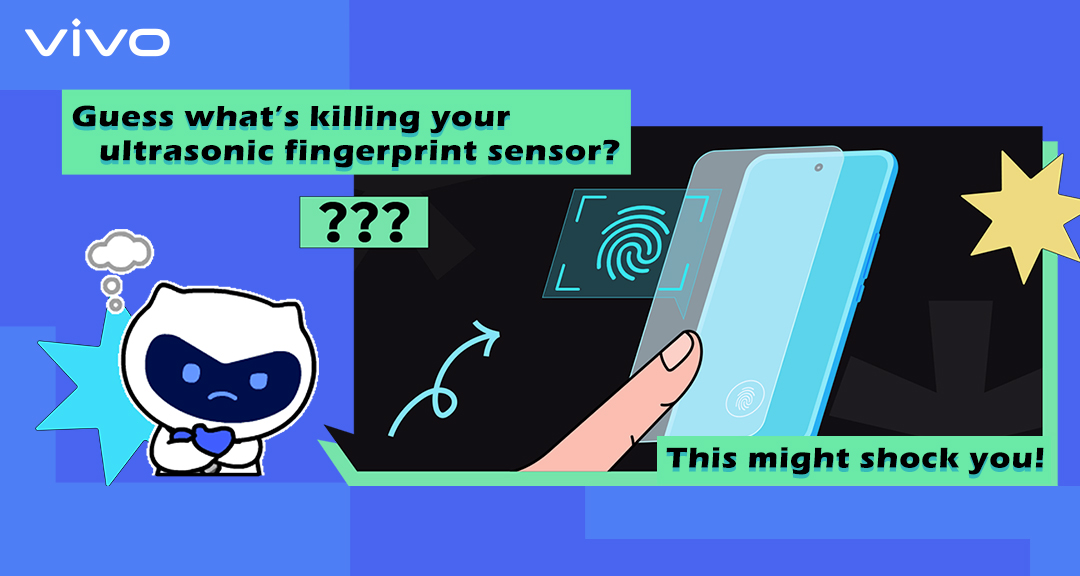
Most smartphones use ultrasonic in-display fingerprint sensors that read fingerprints through sound waves beneath the display. Their performance can be affected by:
- Unauthorised or local screen protectors that block ultrasonic waves
- Dirty, wet, or very dry fingers
- Outdated software or incorrect settings
- Improper fingerprint registration during setup
In most cases, these issues are simple and easy to resolve.
How to Improve Fingerprint Sensor Performance
- Use an authorised ultrasonic-compatible screen protector recommended by vivo
- Clean the screen and ensure fingers are dry before unlocking
- Re-register fingerprints carefully, covering all angles
- Keep your device software updated
- Restart the phone to clear temporary system glitches
Recommended Protection for V70 & V70 Elite
For V70 and V70 Elite users, vivo offers the Ultrasonic Tempered Glass Protective Film (Transparent), specially designed to support accurate fingerprint recognition while providing reliable screen protection.
Buy here: Click Here
Need More Help?
If the fingerprint sensor still does not work as expected, vivo provides:
- 24×7 WhatsApp and call support
- Authorised service centers for professional assistance
Using the right accessories and following these simple steps helps ensure a smooth, secure, and reliable smartphone experience.
Please sign in
Login and share